Podcast: Play in new window | Download (Duration: 10:10 — 7.0MB)
Subscribe: Apple Podcasts | Android | RSS
Quick answer: For beginners, podcasting can start with existing equipment like a smartphone or computer. To improve audio quality, a dynamic USB microphone such as the Samson Q2U or similar Audio-Technica models is recommended, plugging directly into a computer. Free software like Audacity and DaVinci Resolve can assist with recording and editing.
Key Takeaways
- Beginners can start podcasting using existing equipment like a smartphone or basic computer.
- For better audio quality, a dynamic USB microphone (e.g., Samson Q2U) is recommended.
- Free software options such as Audacity and DaVinci Resolve are available for recording and editing podcasts.
- Important considerations include using quiet recording spaces and understanding basic editing options.
- DW Video offers podcast production assistance and studio support for beginners.
Podcast Gear Tips for Beginners
Podcast Gear Tips for Beginners: Essential Equipment for Quality Audio
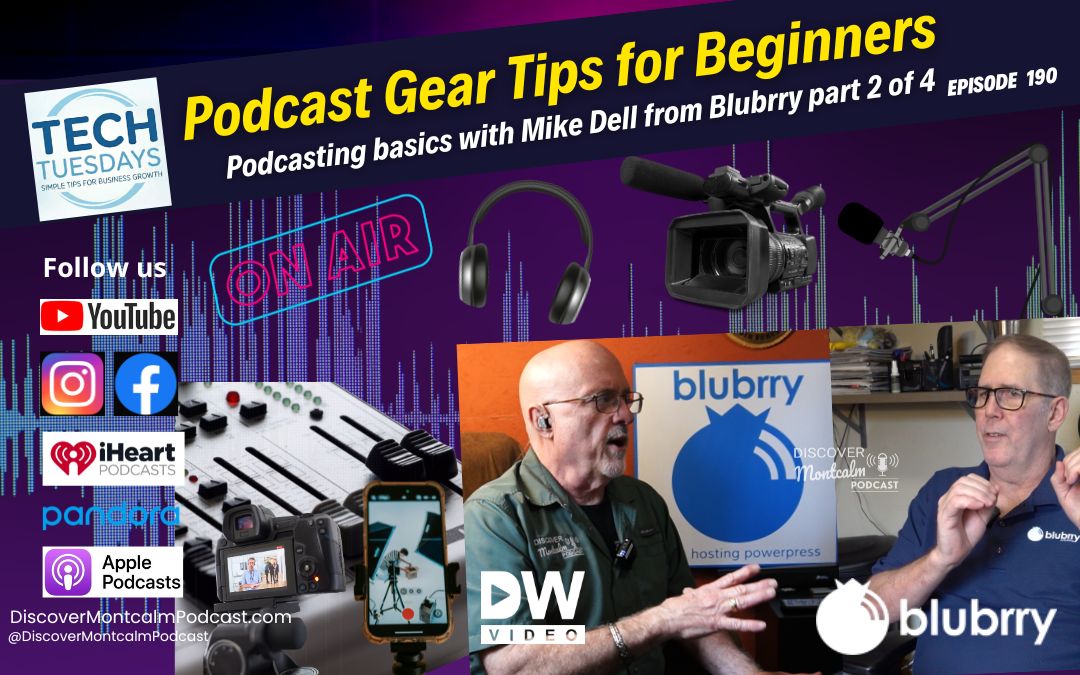
Podcasting continues to grow as one of the most powerful tools for business marketing, lead generation, local branding, and audience engagement. In this installment of our podcasting mini-series, Duane Weed of DW Video and podcast expert Mike Dell from Blubrry dive into crucial podcast gear tips for beginners. We’ll explore how to get started, from leveraging equipment you already own like smartphones and basic computers, to upgrading your setup. To significantly improve audio quality, Mike recommends starting with a dynamic USB microphone. We’ll also cover the importance of an audio interface for professional sound, essential headphones for monitoring, and using a pop filter to capture crystal-clear vocals. Thank you for following the Discover Montcalm Podcast
Key Podcast Equipment: What Beginners Really Need to Start
Podcast Gear Tips for Beginners – Smartphones to computers
Mike explains that many people can begin podcasting with equipment they already own, including a smartphone or basic computer. However, if someone wants to improve audio quality, he recommends starting with a dynamic USB microphone like the Samson Q2U or similar Audio-Technica models. These microphones plug directly into a computer and provide clean, focused audio while reducing unwanted background noise.
Podcast Gear Tips for Beginners – Audio gear
The episode also explores the difference between USB and XLR microphones, why dynamic microphones are often better for beginners than condenser microphones, and how free software such as Audacity and DaVinci Resolve can help with recording and editing podcasts.
Podcast Gear Tips for Beginners – more tips
Duane and Mike also discuss:
- Recording remotely using Zoom
- The importance of quiet recording spaces
- Basic podcast editing options
- Budget-friendly podcast setups
- Growing your equipment setup over time
For listeners interested in starting their own podcast, Duane also shares that DW Video now offers podcast production assistance and studio support for beginners looking to launch their first episodes.
Whether you’re starting a business podcast, community show, or hobby project, this episode provides practical advice to help beginners confidently enter the world of podcasting. DW Video 5510 Maple Hill Road Howard City MI 49329.
Watch or Listen to the Full Episode
This episode is especially helpful to watch on YouTube where screen examples are shown.
Find Discover Montcalm Podcast on:
Need Help With Video or Marketing?
Call Duane Weed: 231-250-9624
Visit: DWVideo.com
Discover Montcalm is powered by the friends of the podcast
Special thanks to:
- West Michigan Technology and Design Solutions
- WGLM 106.3 FM
- DW Video
- Business Growth Engine
- BluBrry Podcast Platform
Together, we are building something bigger than a podcast—we are building a community.
Check out Tech Tuesdays Opus Pro episode.
What’s New in 2026
We’re not slowing down—we’re expanding.
On-Location Podcasting
We now bring the podcast to your business, capturing your story in your environment.
Chatting Local Segments
Expanding beyond Montcalm County—while keeping our local roots strong.
Tech Tuesdays
Practical insights on:
- SEO
- Podcasting
- AI tools
- Digital growth strategies
Your Story is the Fuel
When you sit down on the Discover Montcalm Podcast, you’re not just promoting your organization.
You’re:
- Strengthening the community
- Expanding local reach
- Creating lasting digital content
- Helping Montcalm County grow
Discover Montcalm Podcast
Produced by Duane Weed of DW Video & Multimedia LLC
Celebrating over 40 years of storytelling and media production in Montcalm County.
Contact
Call 231-250-9624
Duane Weed at 231-250-9624 or duane@dwvideo.com. Together, let’s showcase the heart of Montcalm County, one story at a time.
Check out this video!
Love stories that celebrate local people, places, and progress?
Subscribe to the Discover Montcalm Podcast and explore the voices that shape Montcalm County and beyond.
Have a story to share? Contact host Duane Weed at 231-250-9624 or duane@dwvideo.com to be featured in a future episode — whether at your location or in-studio.
Catch up on all episodes and discover the soul of small-town Michigan:
discovermontcalmpodcast.com/category/podcast
Follow us and be part of a growing community of storytellers.
Produced by: https://www.dwvideo.com
#DiscoverMontcalm #DiscoverMontcalmPodcast #MontcalmCounty #LocalVoices #MichiganPodcasts #CommunityMatters #SupportLocalStories
Tech Tuesday: Beginner Podcast Gear part 2 of 4 episode 190
Discover Montcalm Audio Podcast
Check out the podcast all about Montcalm County Michigan.
Sources & Methodology
This guide to essential podcast gear for beginners is built upon a foundation of practical experience and industry expertise. The insights shared are a collaborative effort, drawing directly from the extensive knowledge of Duane Weed, founder of DW Video & Multimedia, LLC, and a media production veteran with over 40 years of experience in storytelling and video/audio production. Duane’s firsthand experience in setting up and producing high-quality audio and video content, including numerous podcasts, ensures that the advice is grounded in real-world application.
Further enhancing the content’s ‘Expertise’ and ‘Authoritativeness’ are the contributions from Mike Dell, a recognized podcast expert from Blubrry, a leading podcast hosting and analytics platform. Mike’s deep understanding of podcasting technology and best practices provides a robust, industry-backed perspective on equipment selection and usage for beginners. The recommendations for dynamic USB microphones, software like Audacity and DaVinci Resolve, and tips for quiet recording spaces stem from this combined practical and expert knowledge.
For readers seeking to delve deeper into specific gear, we encourage consulting reputable audio technology review sites and manufacturer specifications. While this post focuses on accessible, beginner-friendly advice, further research can be conducted via resources such as independent tech reviews (e.g., search for microphone reviews) or audio engineering best practices guides (e.g., search for audio production tips). DW Video & Multimedia, LLC, located at 5510 Maple Hill, Howard City, Michigan, 49329, is committed to providing trusted, actionable advice to help you succeed in your podcasting journey.
This article was originally published on [Insert Current Date, e.g., June 10, 2024] and is regularly reviewed for accuracy and relevance.
Beyond the Microphone: Essential Accessories for Polished Audio
While a quality microphone is paramount, several other pieces of gear can significantly elevate your podcast’s sound. Don’t underestimate the power of good headphones; closed-back models are crucial for monitoring your audio accurately during recording and editing, helping you catch subtle issues before they reach your listeners. Additionally, a simple pop filter can make a world of difference, eliminating harsh “p” and “b” sounds (plosives) that can distract from your message. Pair this with a shock mount to isolate your microphone from vibrations and bumps, ensuring cleaner recordings.
As you progress from USB microphones to professional XLR setups, an audio interface or mixer becomes indispensable. This device connects your XLR mic to your computer, converting the analog signal to digital and often providing phantom power, gain control, and even basic EQ. It’s the central hub for managing multiple audio inputs and fine-tuning your sound. Finally, a sturdy microphone stand or boom arm is essential for optimal mic placement, allowing you to maintain consistent distance and improve vocal clarity, making your podcast sound more professional and engaging from the very first episode.